
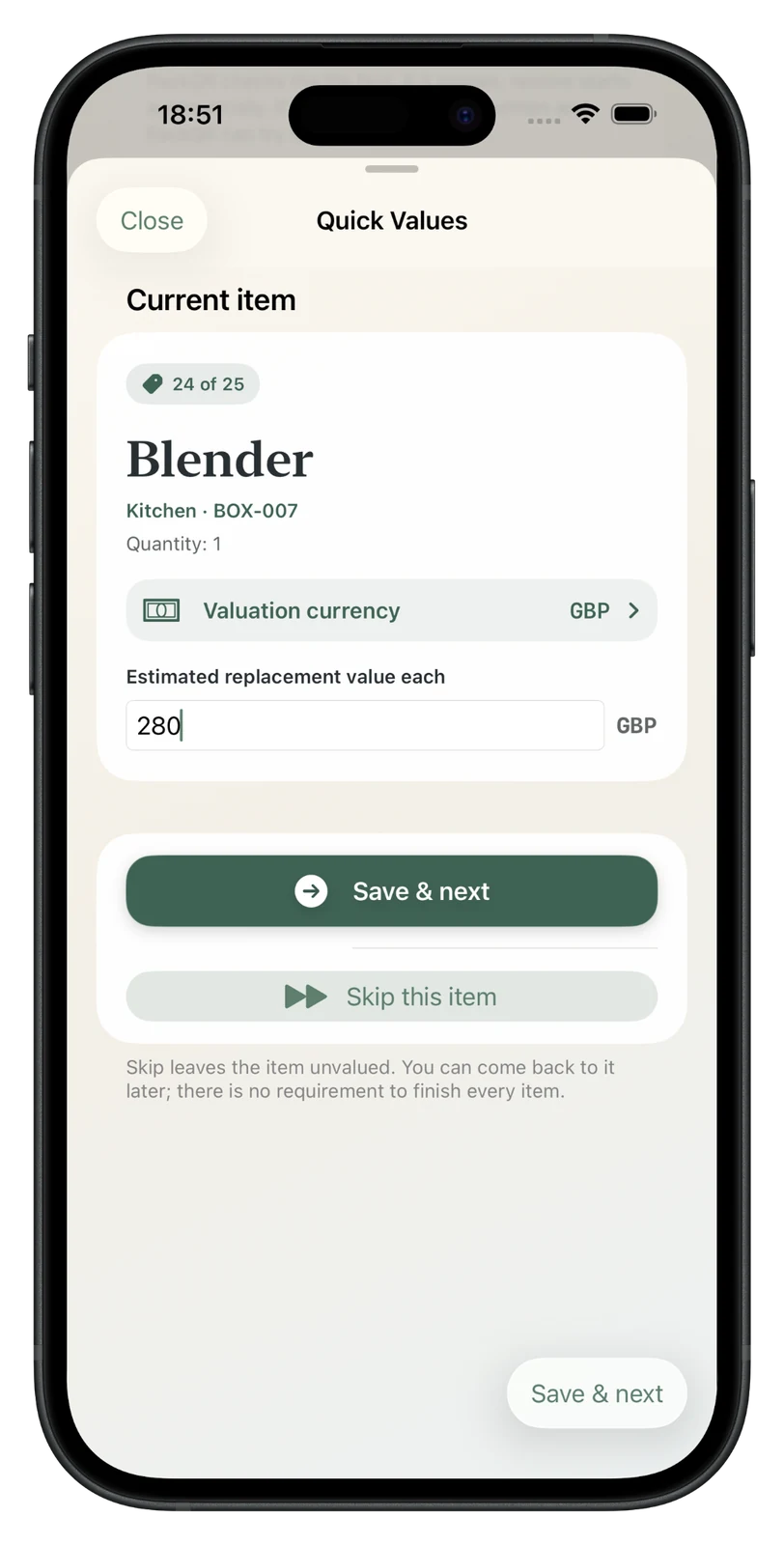
Add a value after packing
Enter an optional estimated replacement value and move straight to the next item.
PackQR 1.9 screenshots
Browse PackQR’s current moving workflow, including adaptive Duo layouts alongside collaboration, replacement values, voice, AI Pack Scan, QR labels and local-first backups.
Adaptive Duo layouts
Version 1.9 keeps the live screen hierarchy intact through layout changes so navigation and scroll context remain stable.


Version 1.8
The first screens show the valuation flow and collaboration setup, followed by voice, AI, labels, search and local-first workflows. Version 1.8 starts collaboration nearby, then lets the Contributor return an encrypted handoff file remotely if needed, while keeping the same visual language and stronger recovery safeguards behind the scenes.
Enter an optional estimated replacement value and move straight to the next item.
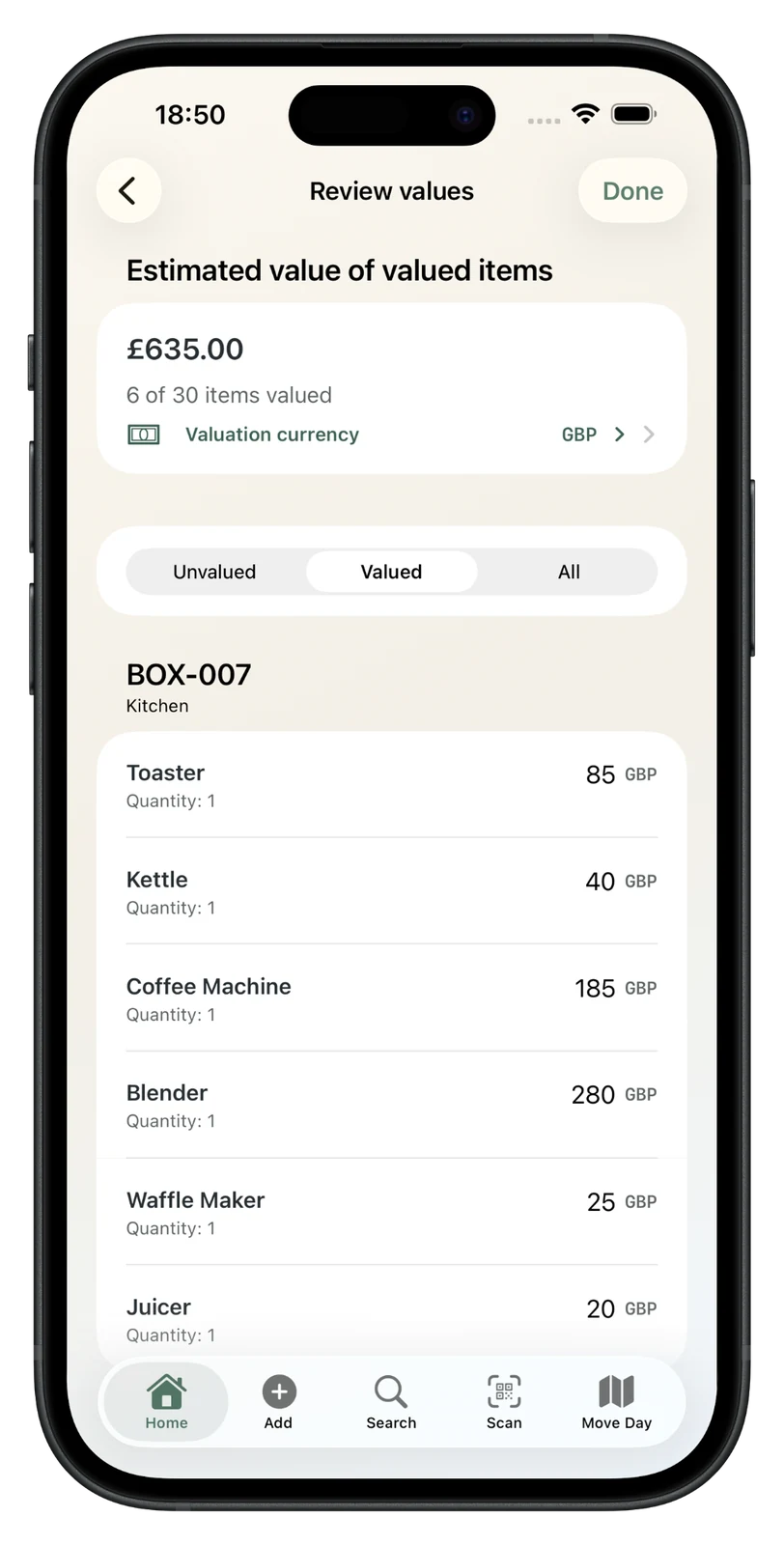
See the known value alongside exactly how many items have been valued.
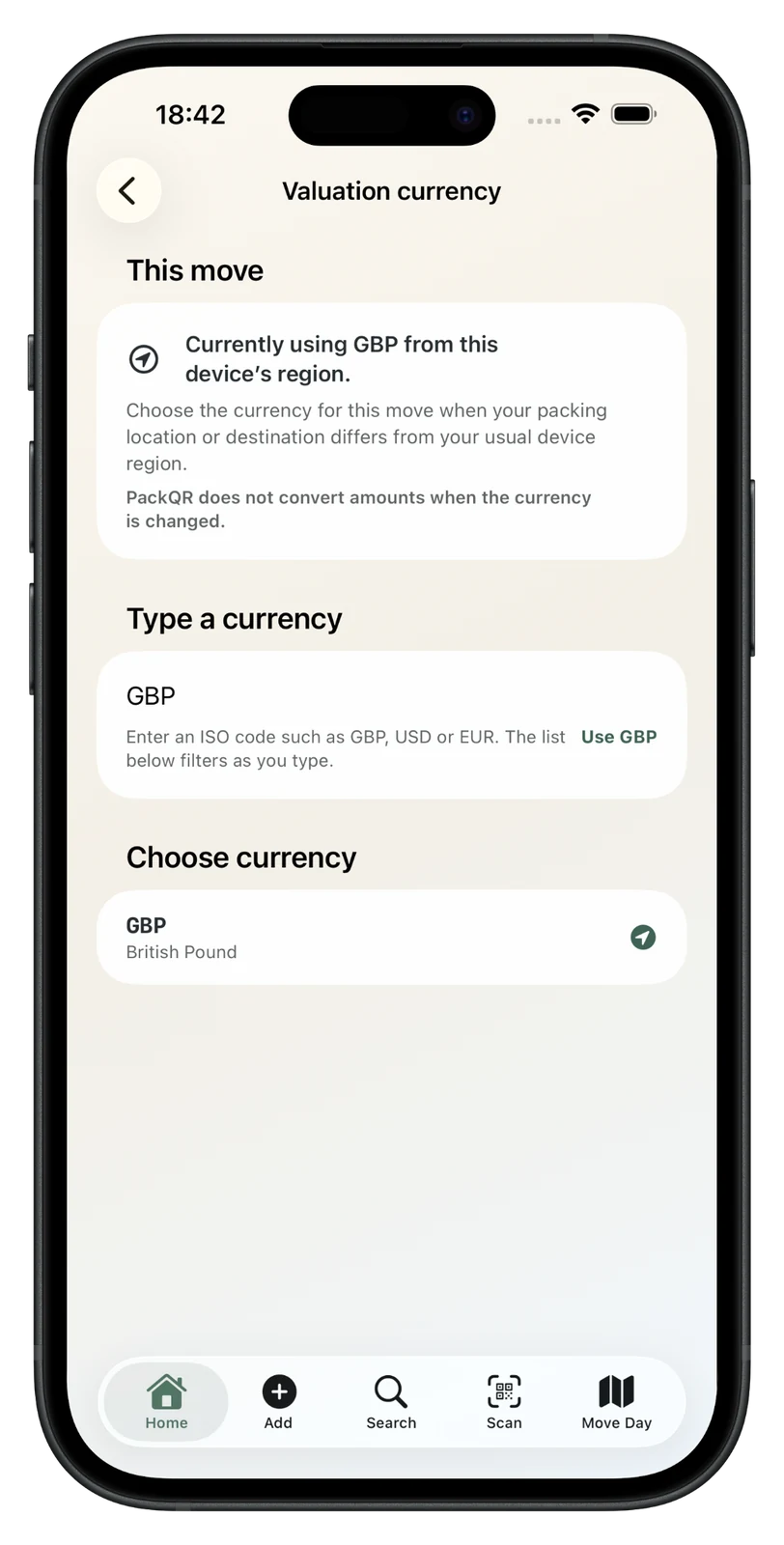
Store the move’s currency deliberately; changing the label does not convert existing amounts.
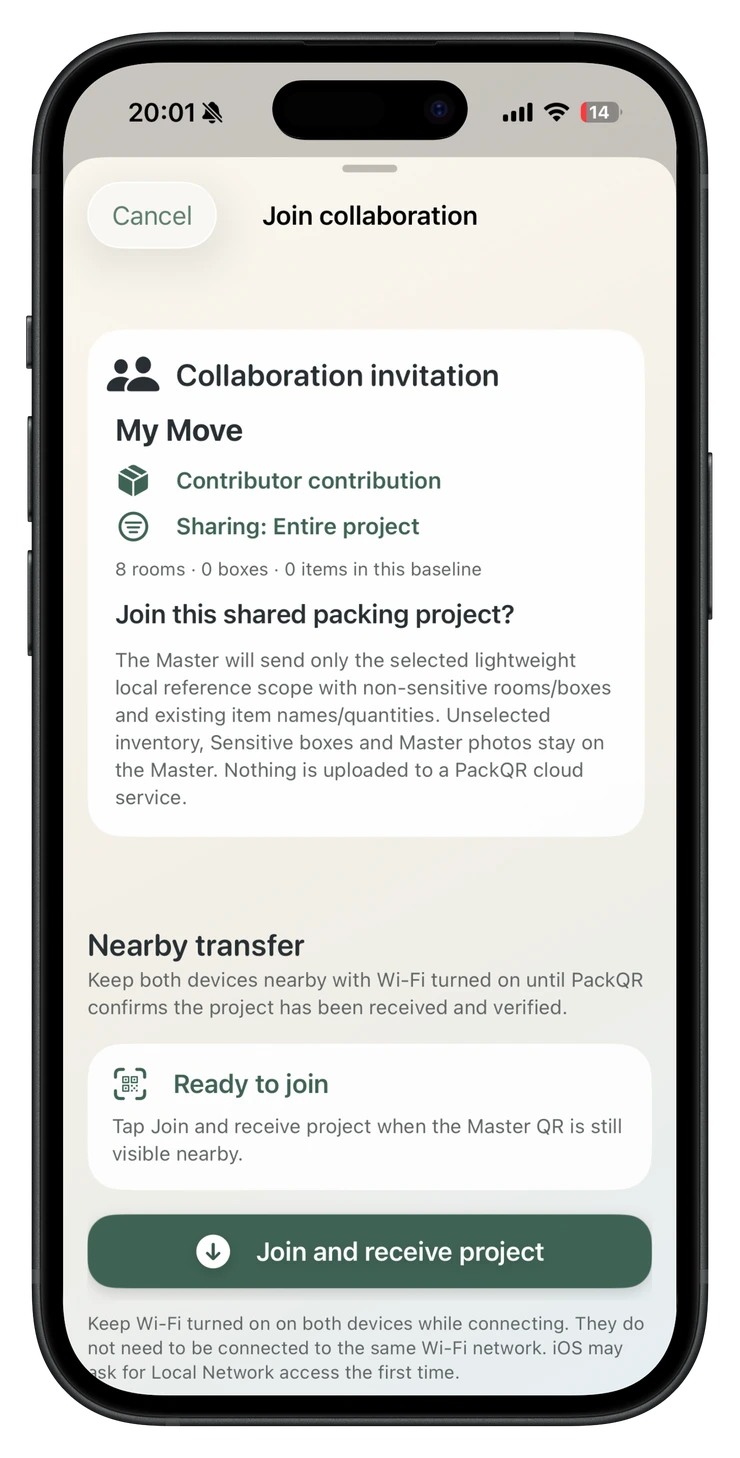
Scan the Master QR nearby to receive only the selected packing context.
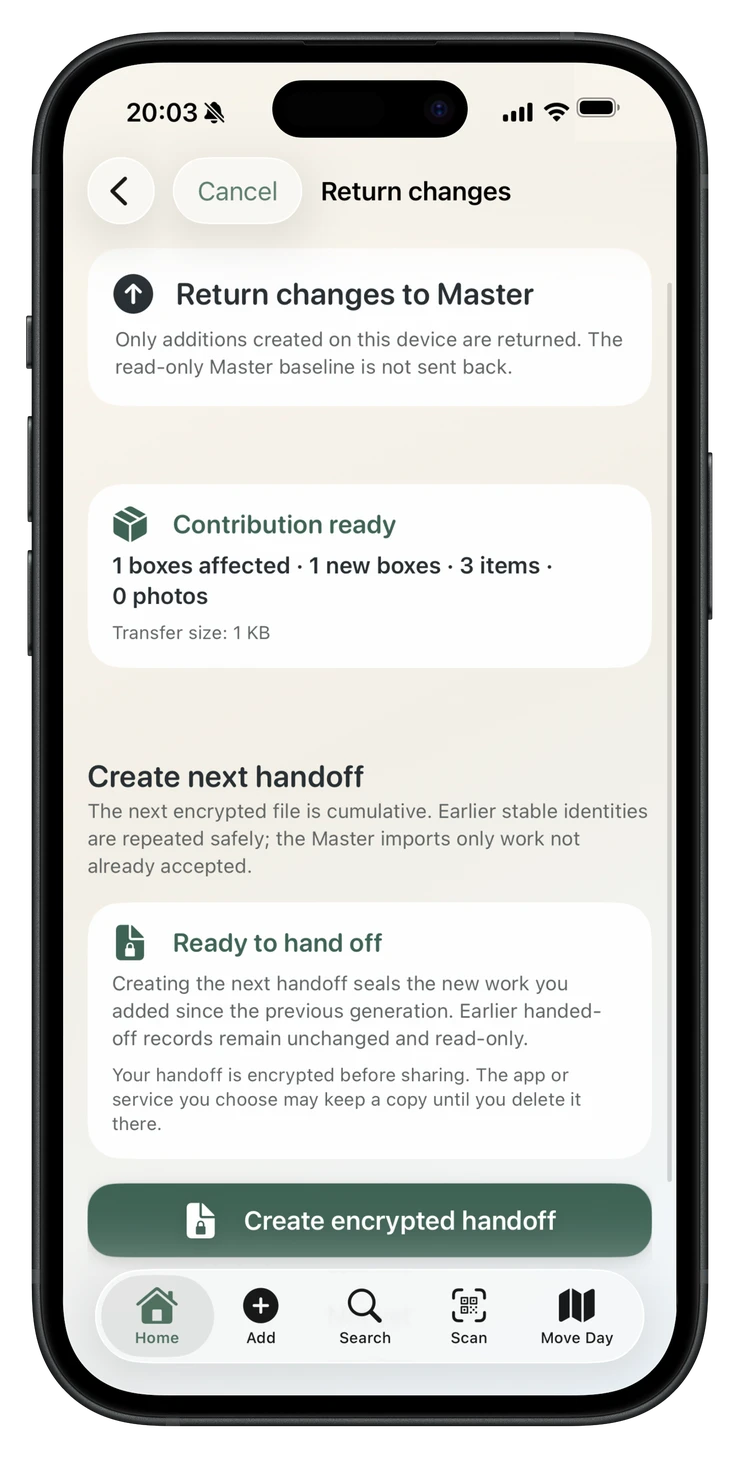
Choose direct nearby return or prepare an encrypted handoff file for remote return.
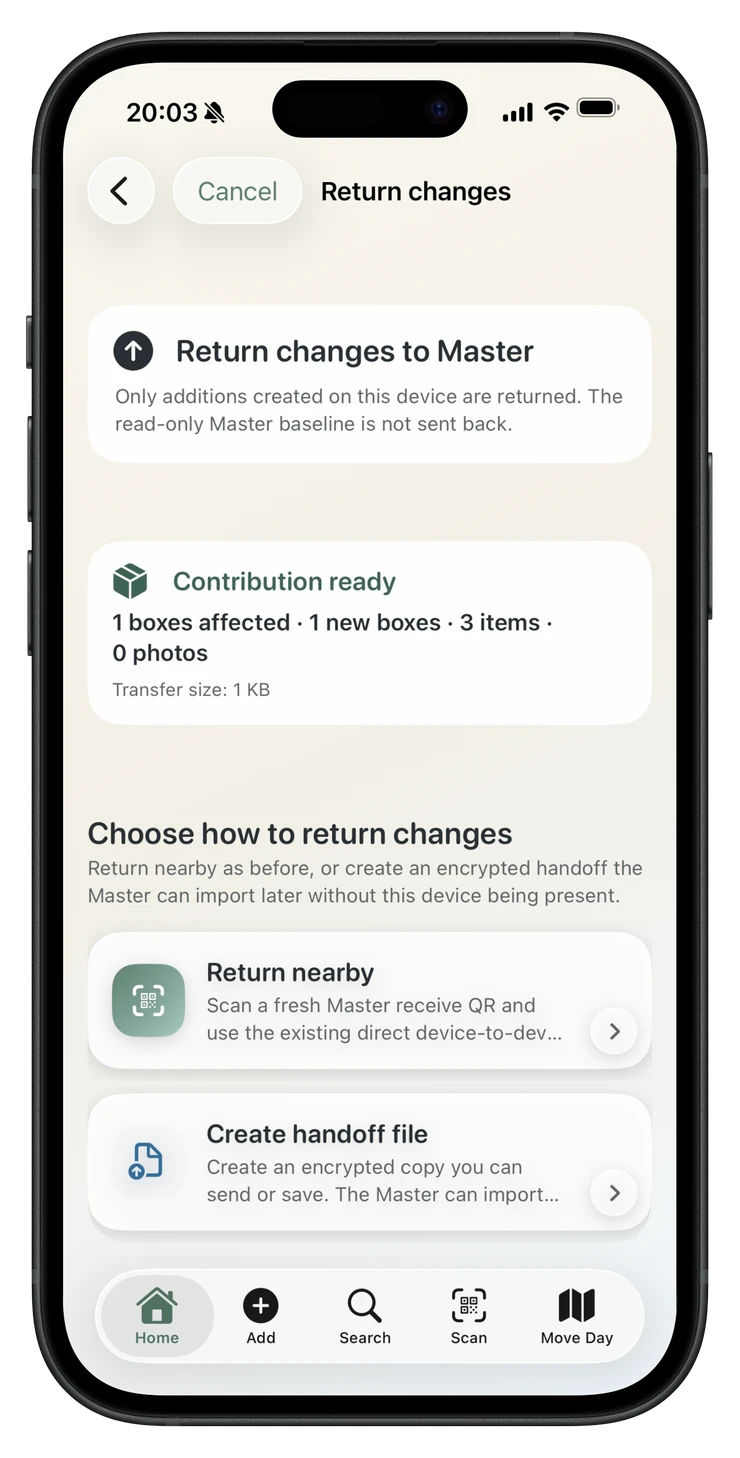
Send the encrypted PackQR handoff file back; the Master reviews additions before import.
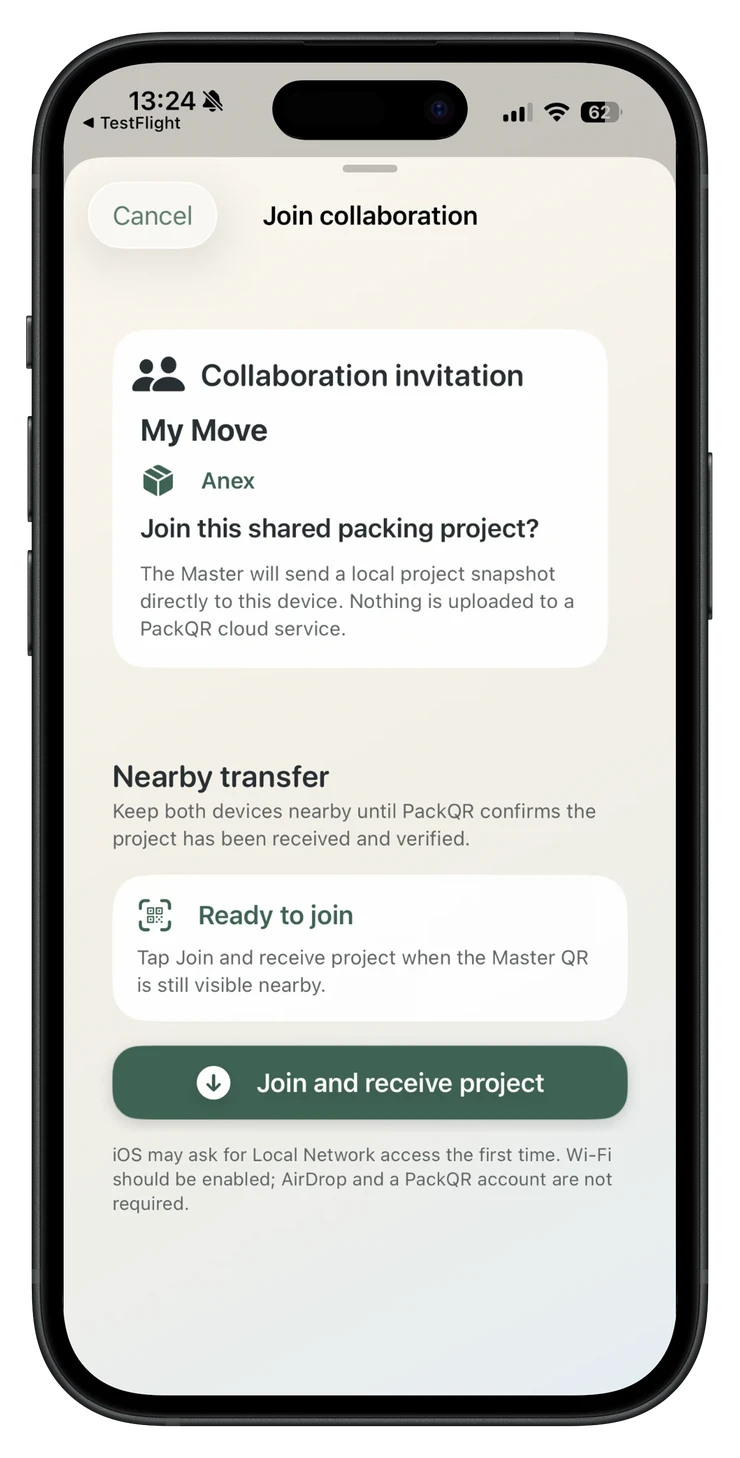
Verify the Master project and receive a local read-only reference baseline directly on the second device.
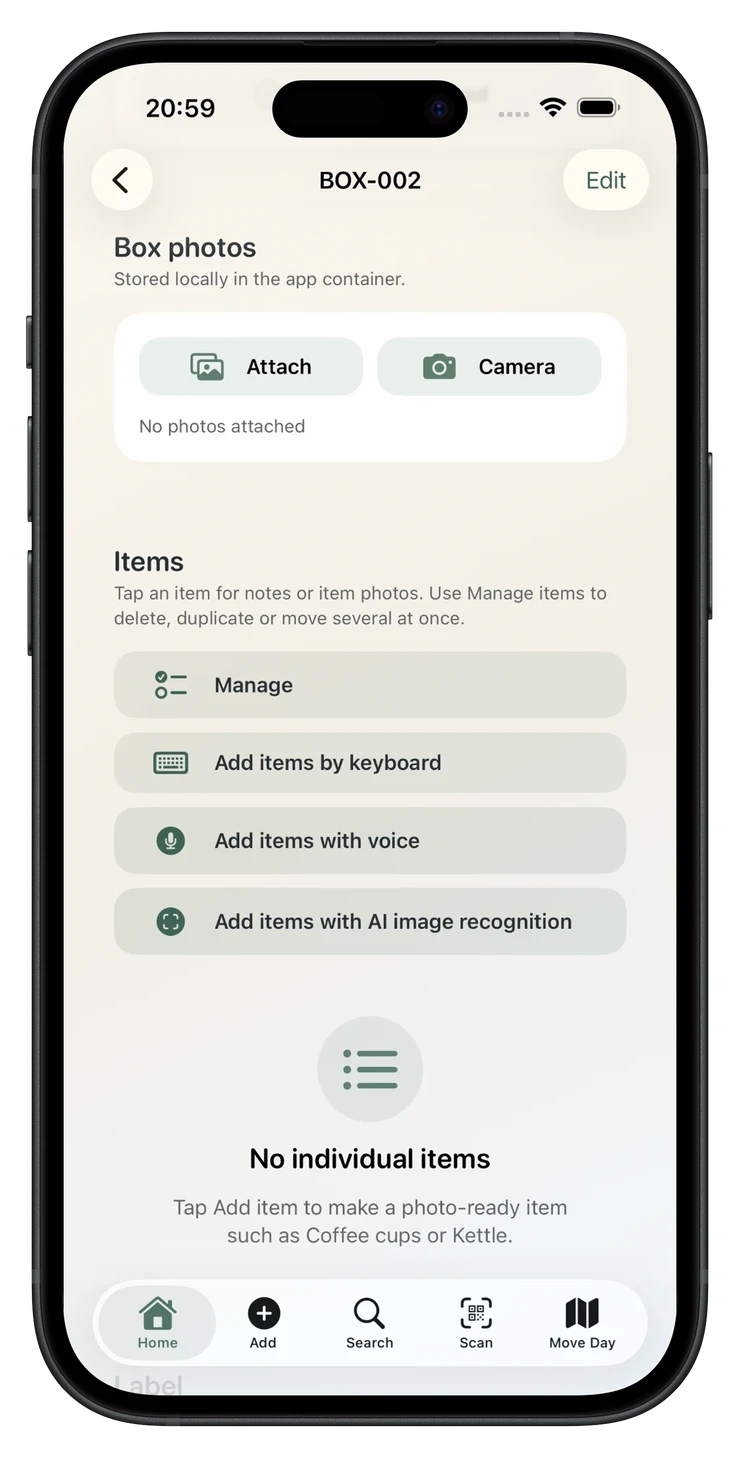
Voice is now a first-class item-entry route directly from the box.
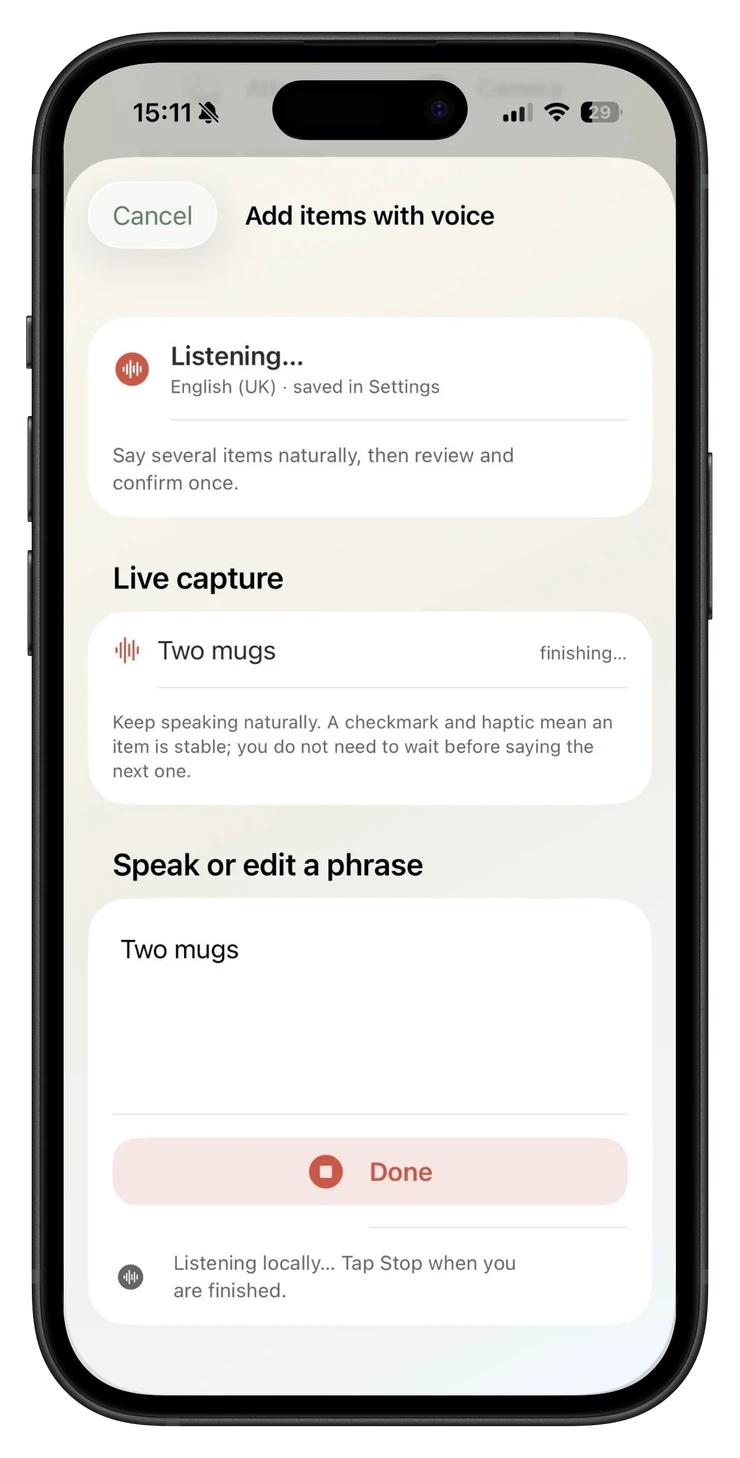
On-device voice capture reduces typing and keeps the phrase editable.
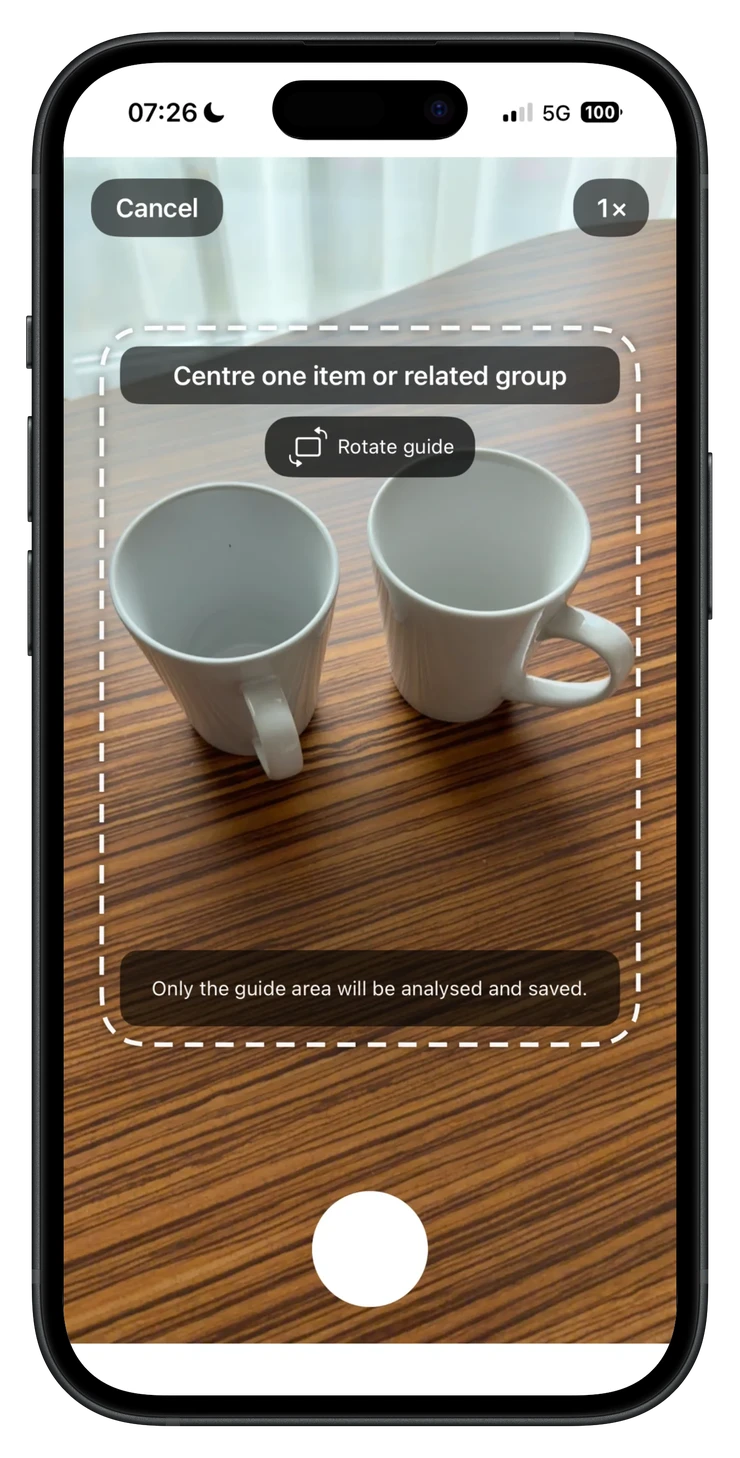
Use the on-screen guide to frame only what should be analysed and saved.
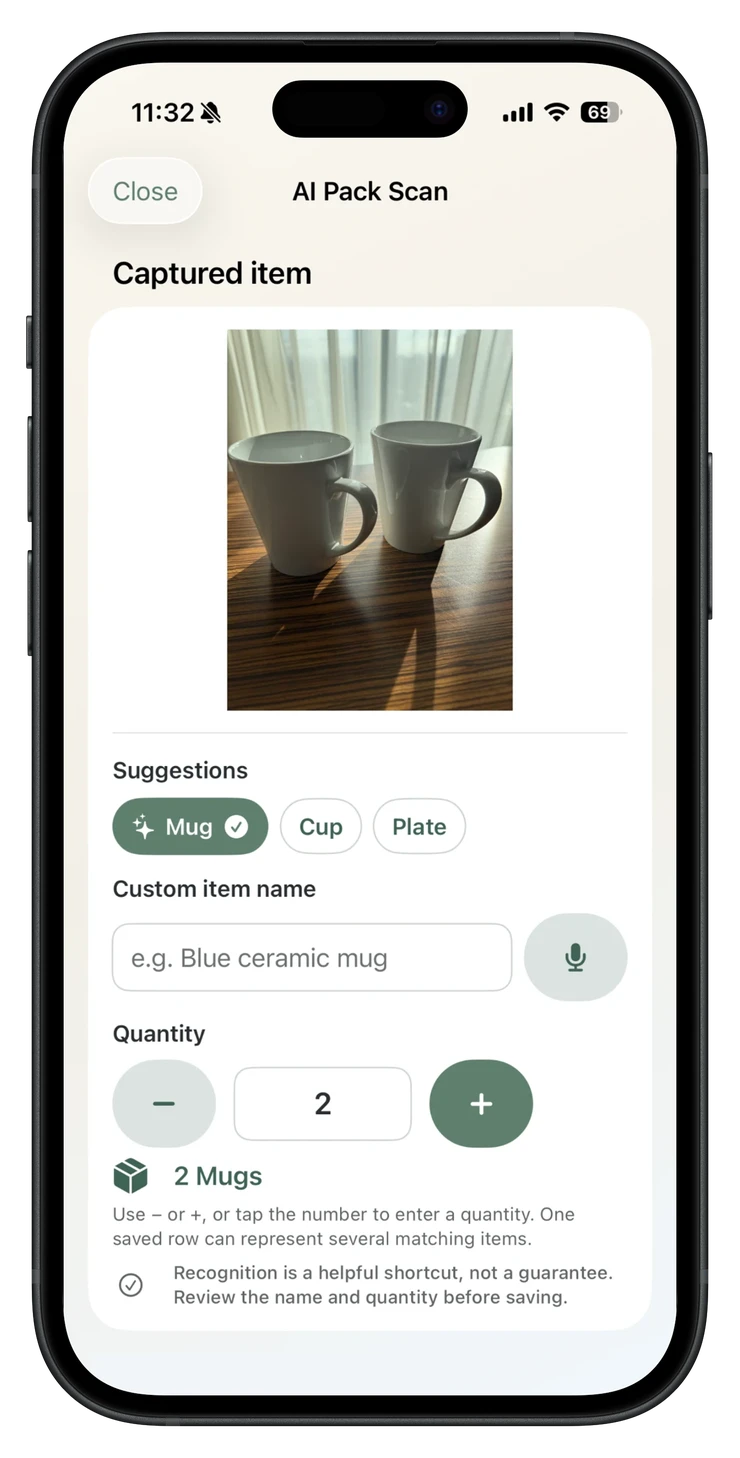
Review the name, alternatives and quantity. Recognition is helpful, not guaranteed.
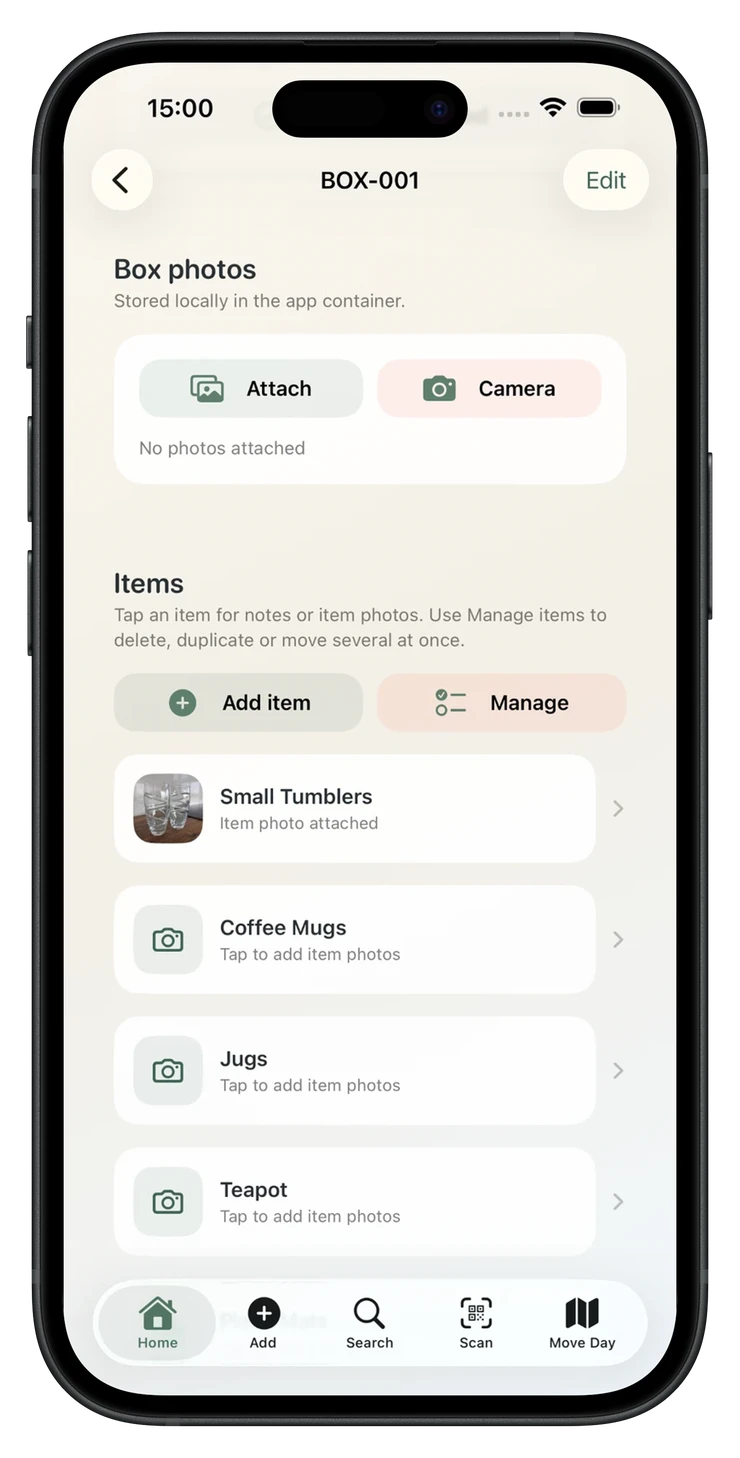
Keep the recognised name, corrected wording and photo together locally.
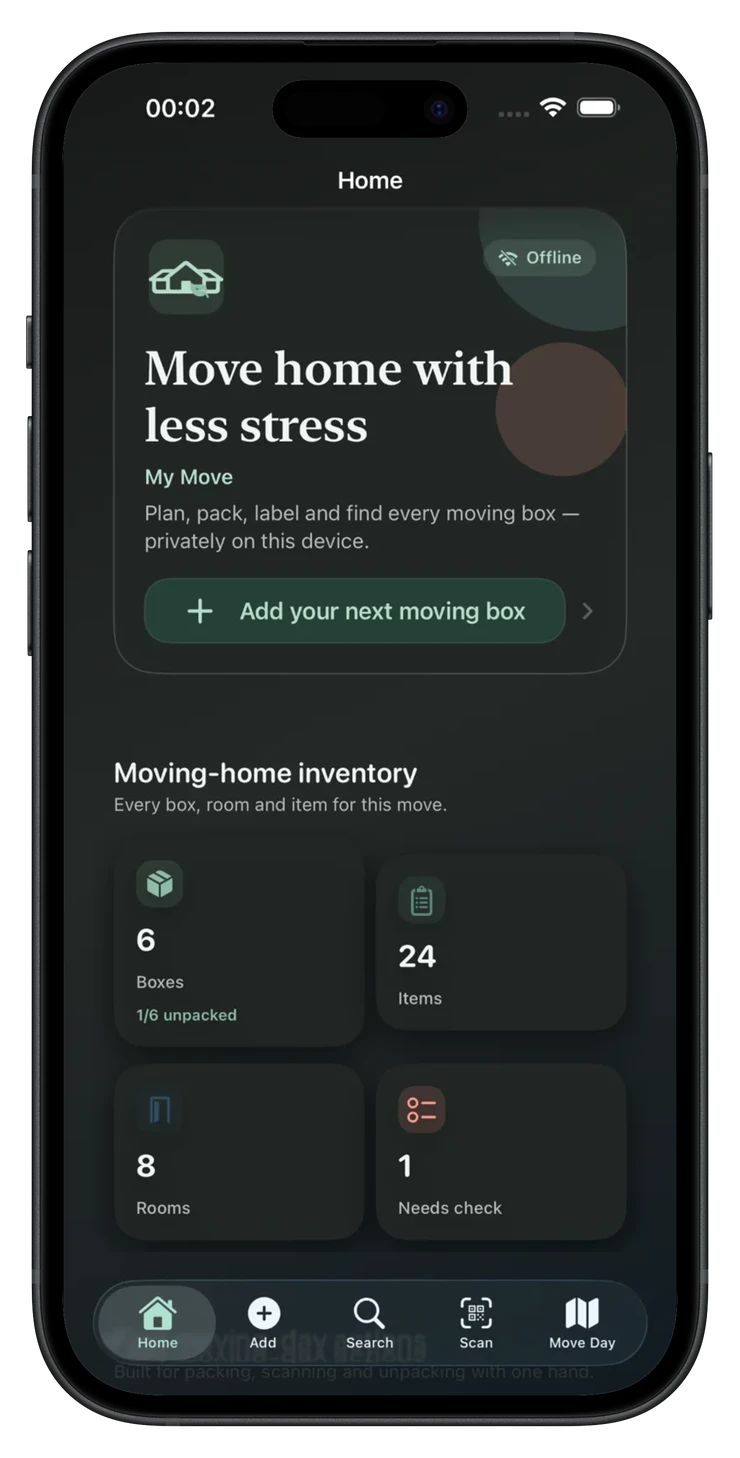
System-aware surfaces keep controls readable while packing at any hour.
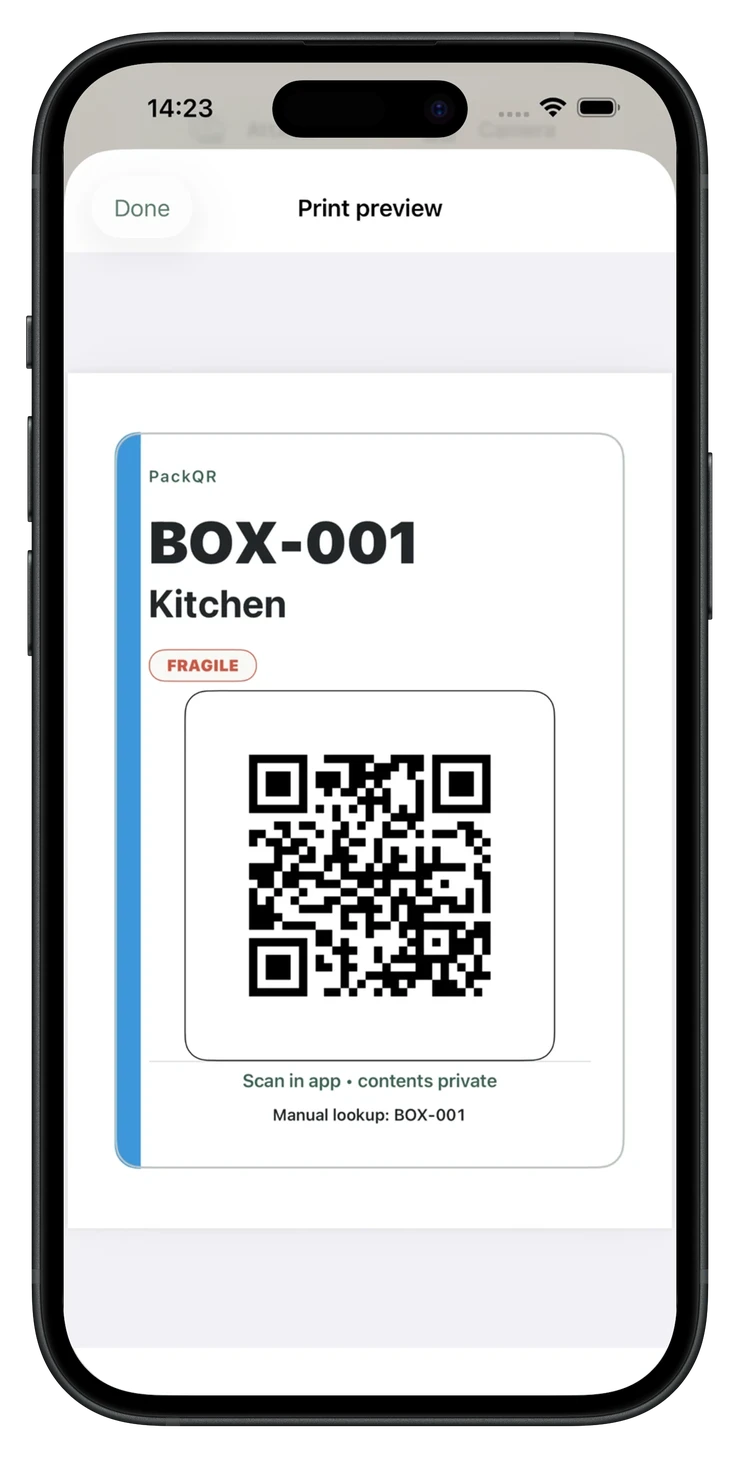
Choose A4, US Letter or native 4 × 6 labels, plus private contents lists.
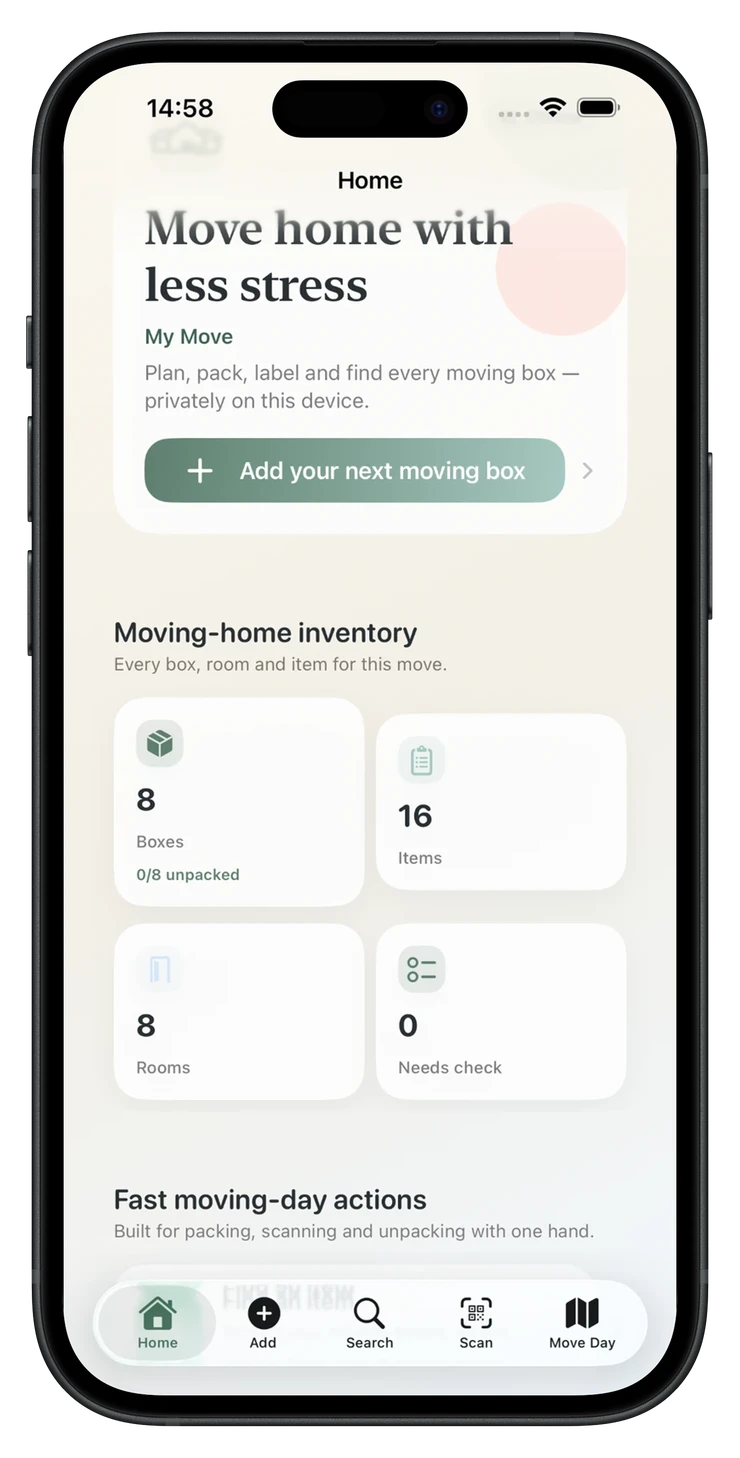
Boxes, items, rooms and anything that still needs checking.
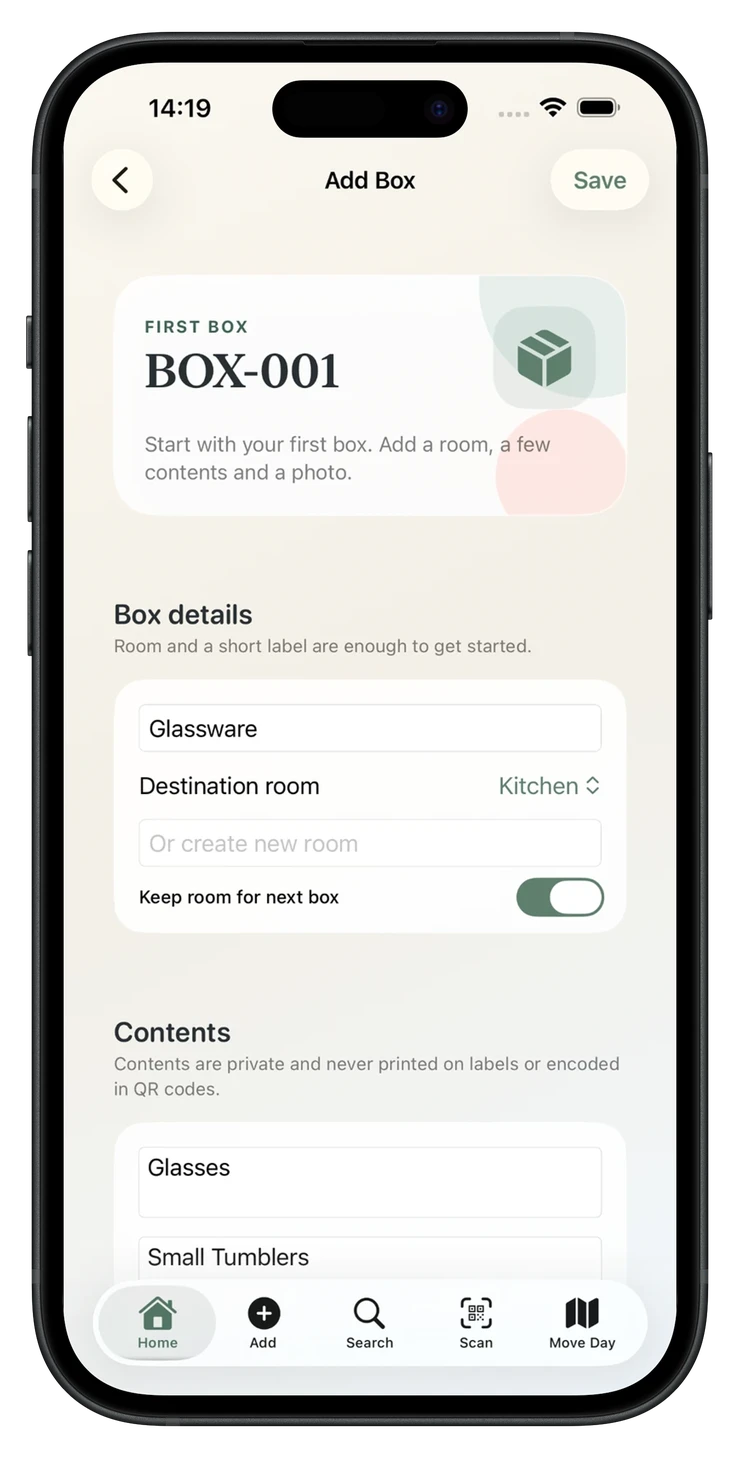
Add the destination room and the contents you may need to find later.
Keep item names, photos and notes together in a private local record.
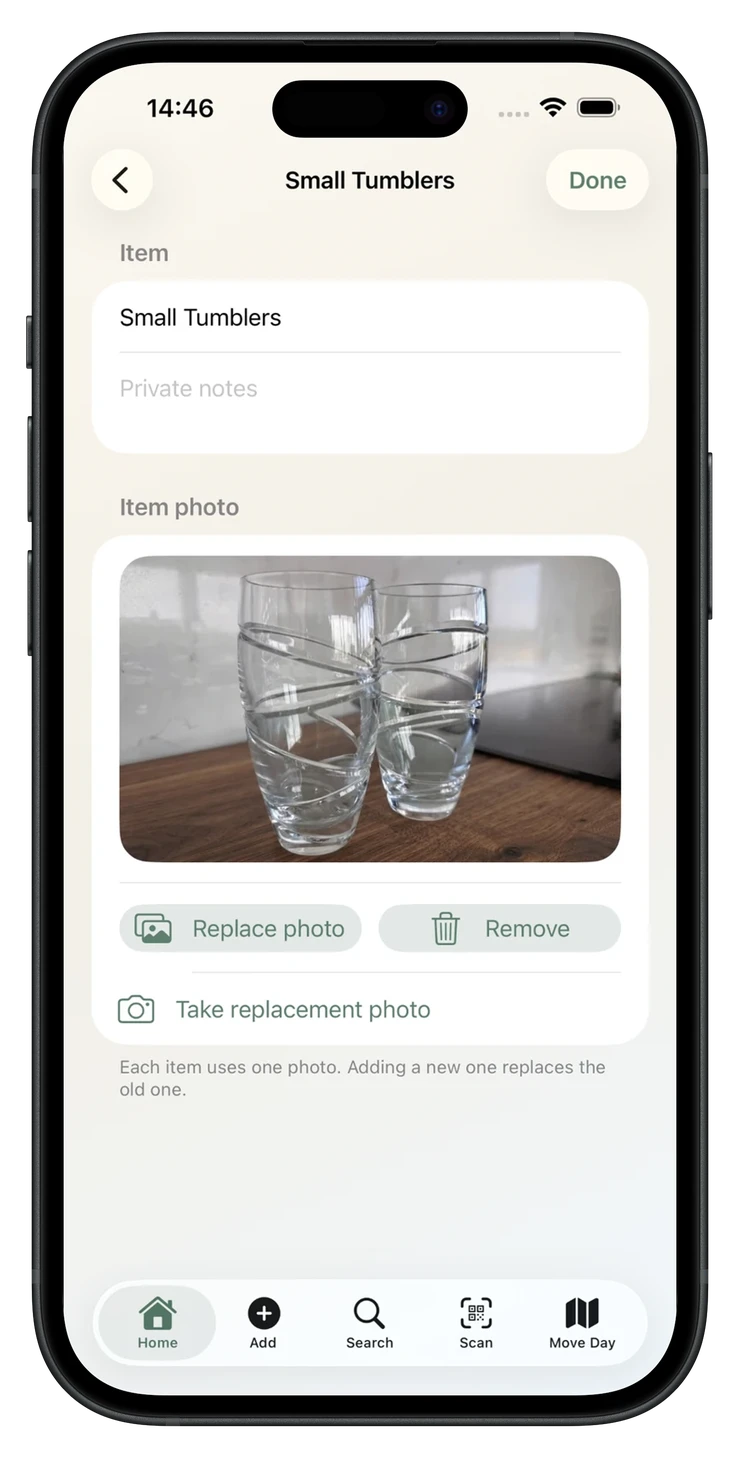
Attach a private photo and notes when a name alone is not enough.
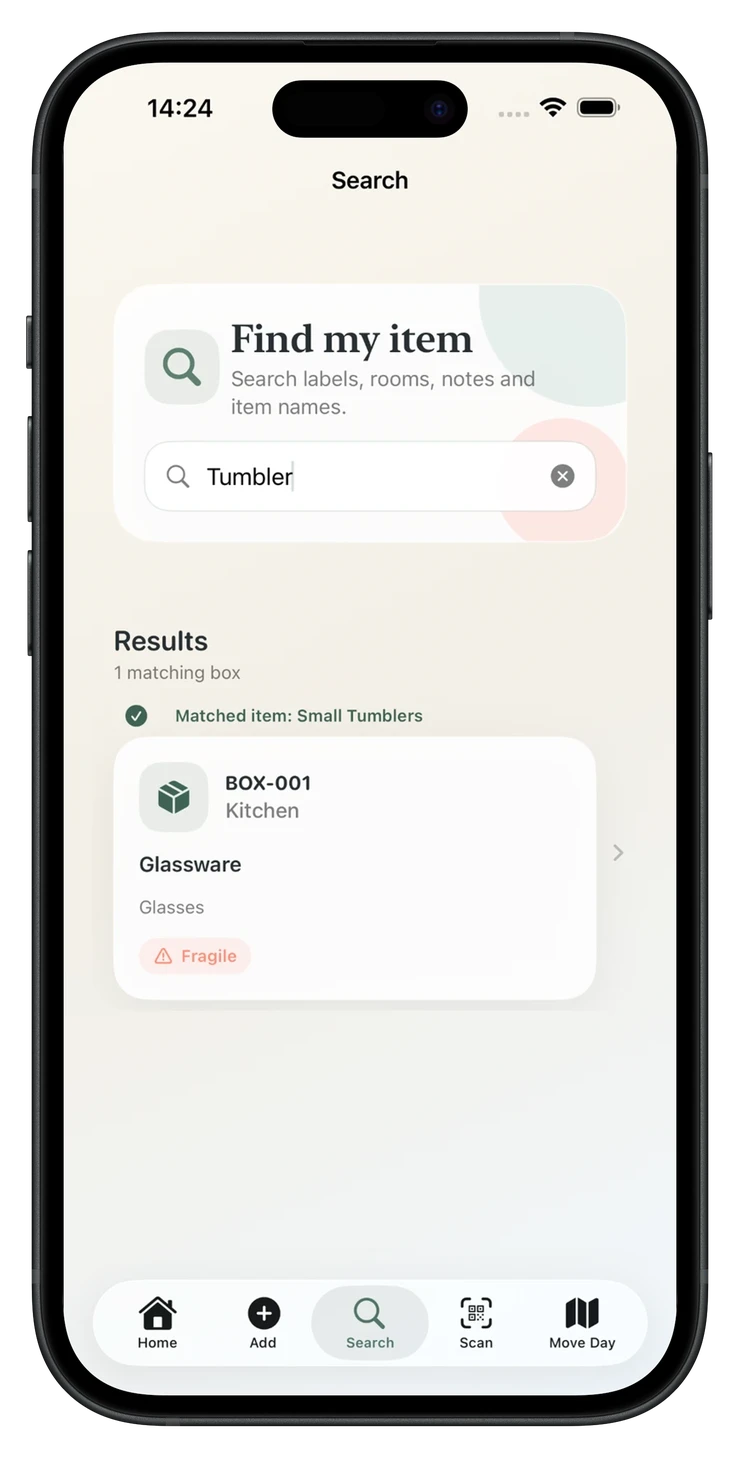
Search by item, room, box label or notes and open the right box first.
Print A4, US Letter or 4 × 6 labels without exposing detailed contents.
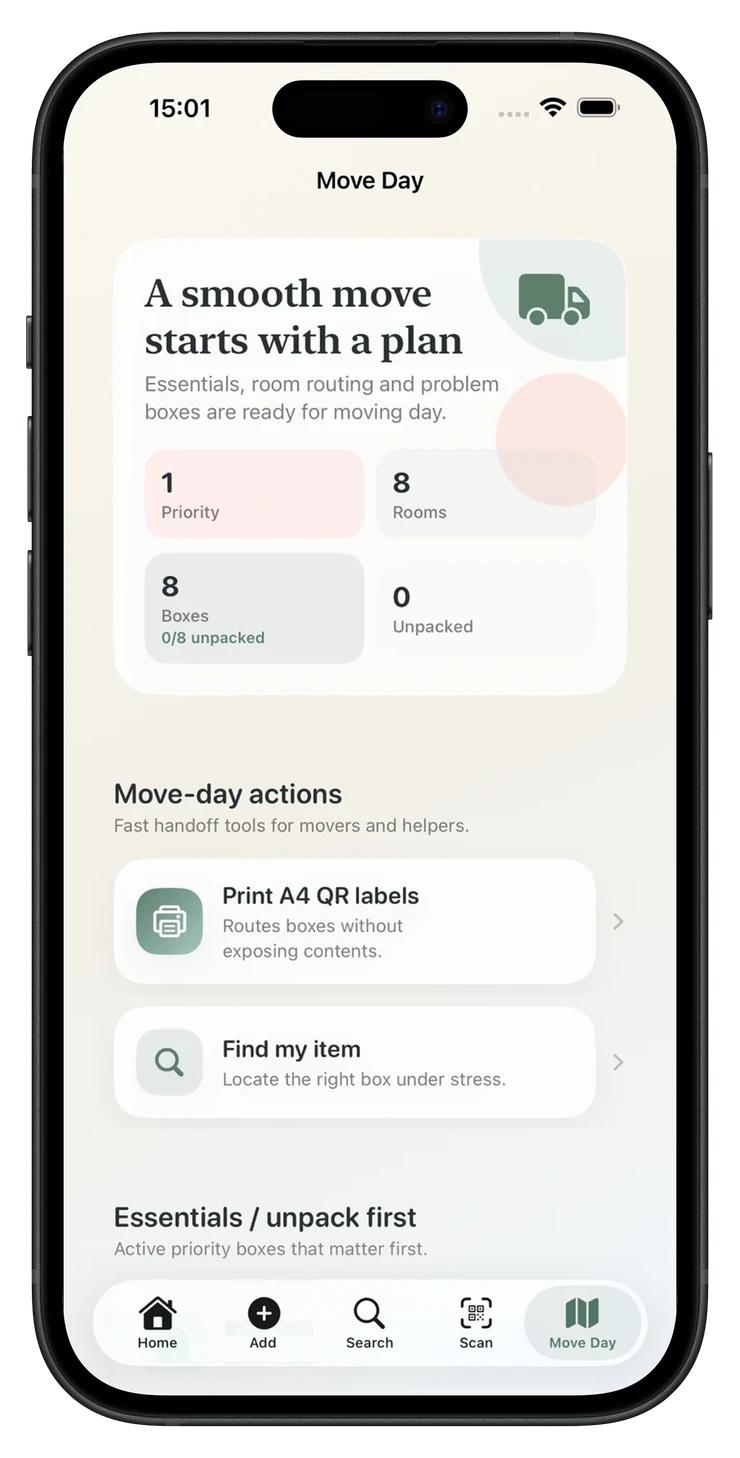
Keep priority boxes, rooms and moving-day actions close at hand.
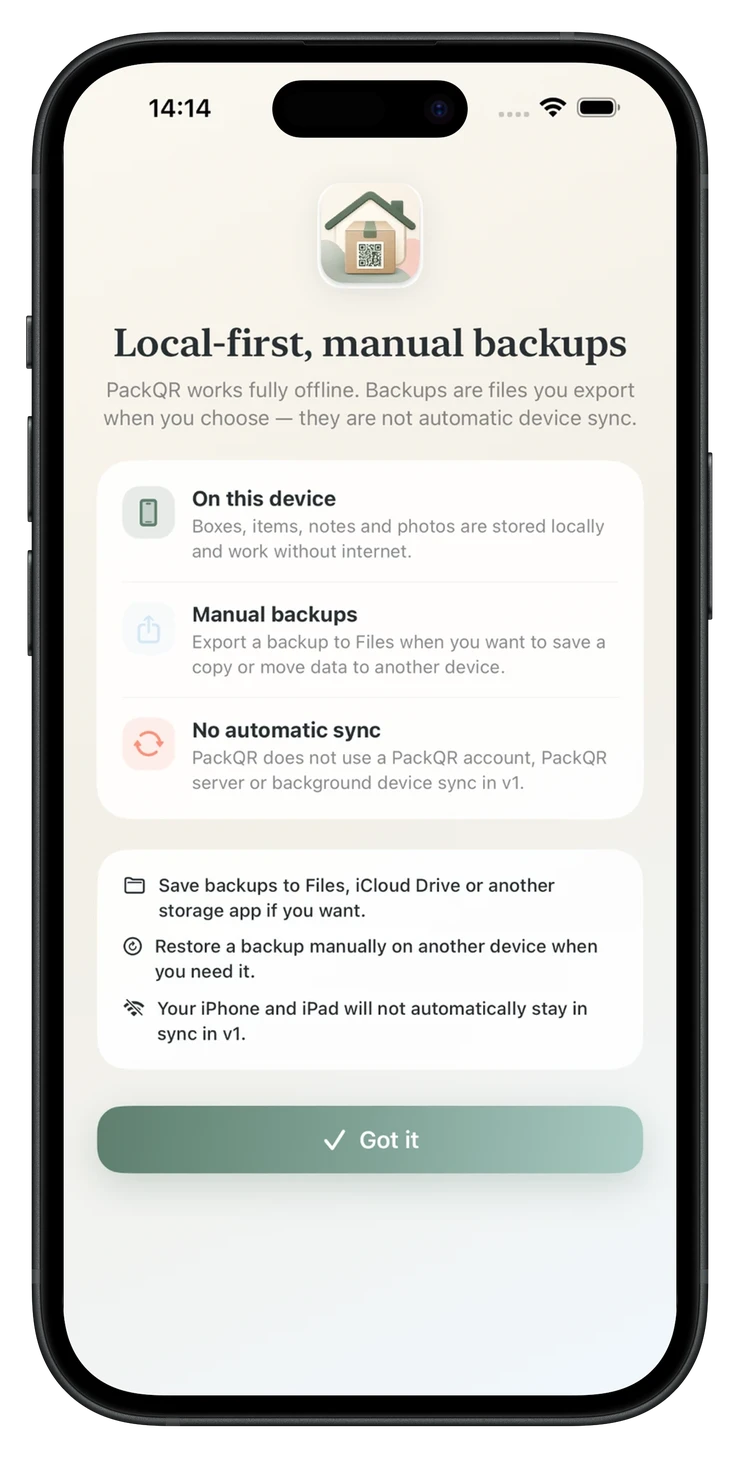
Export a plain or encrypted backup and restore it when needed.