Create a box record
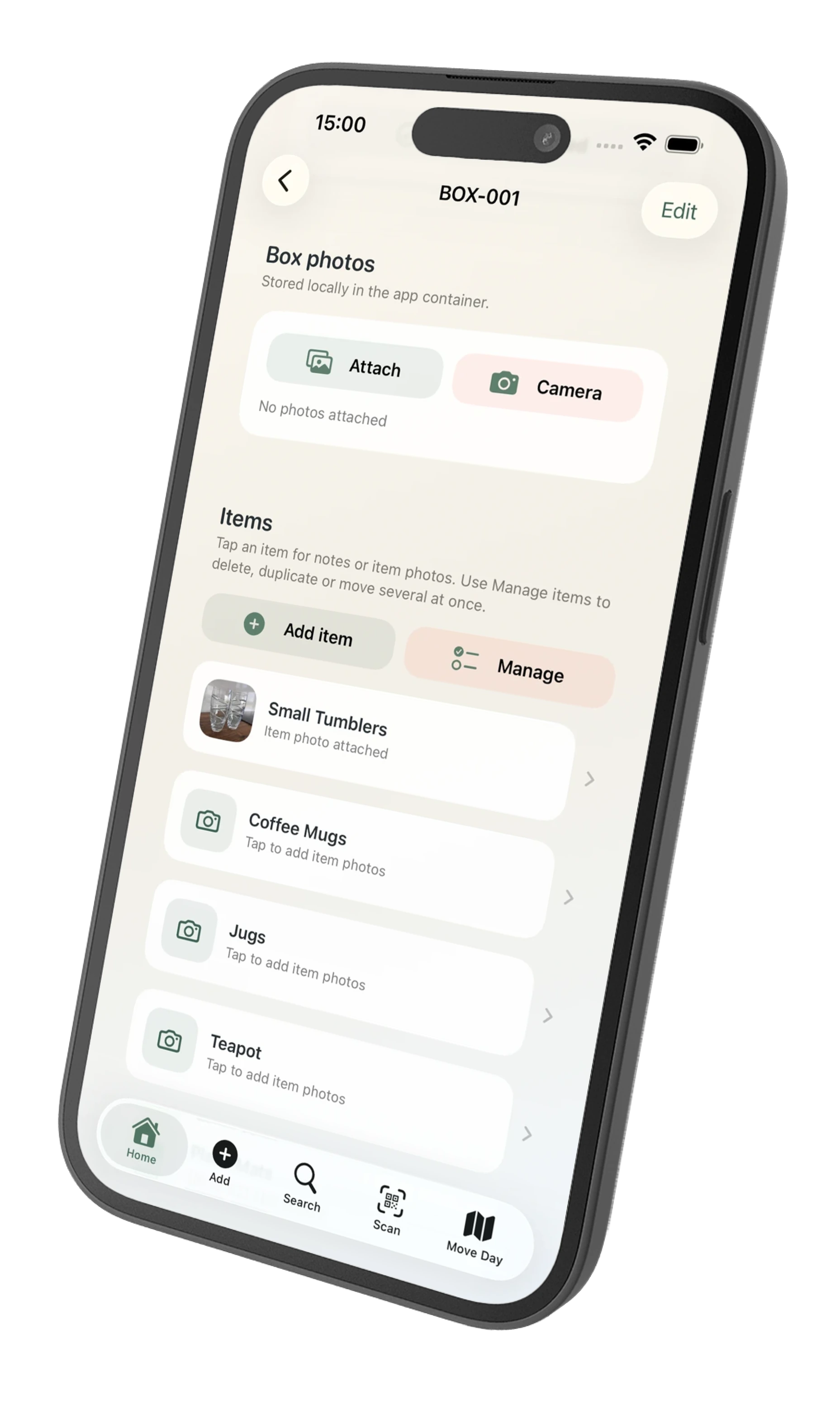
Give the box a number and room, then add items, quantities, photos, notes and handling information.
QR code moving box app for iPhone and iPad
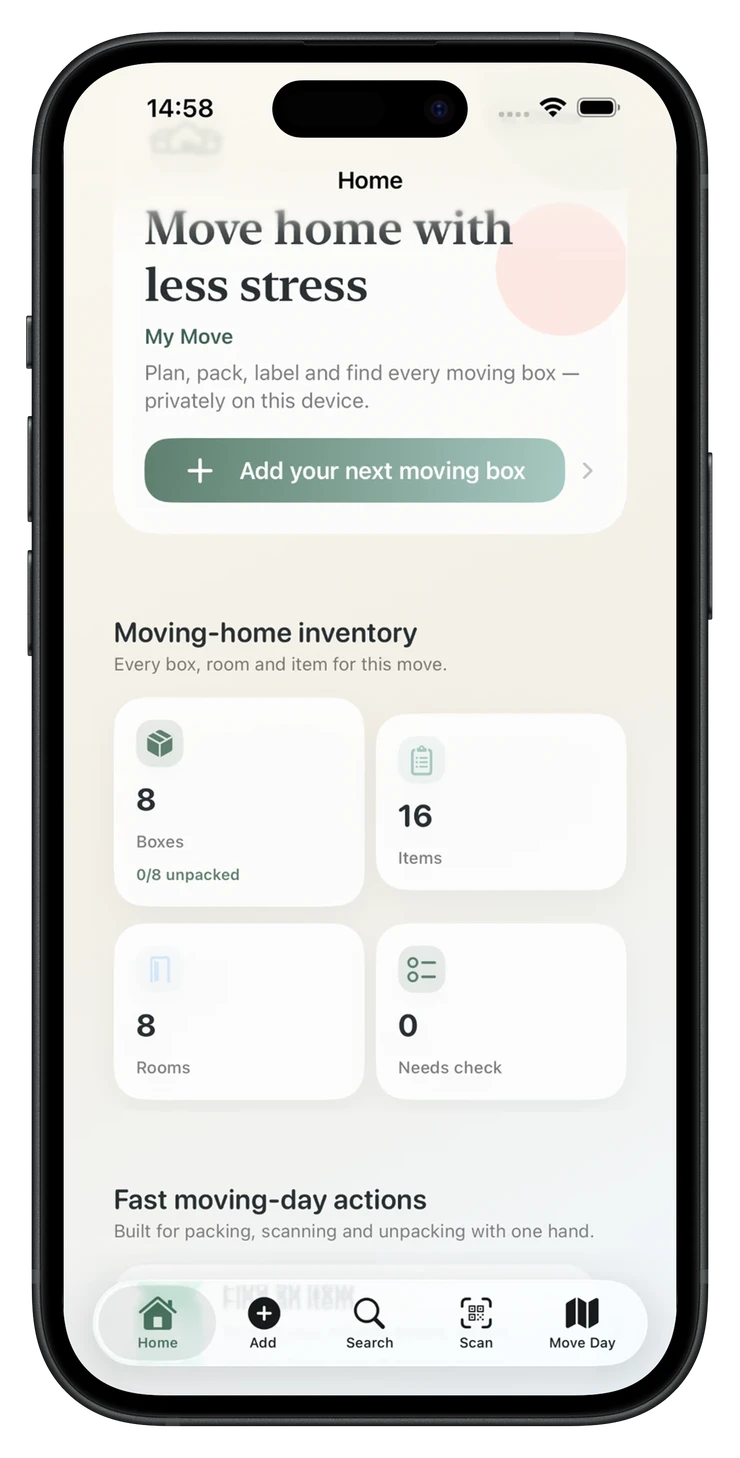
Create a private record for each moving box, print a QR label for the outside, then scan or search offline when you need to find something later.
One-time purchase. No PackQR account or subscription.

Why QR labels?
PackQR prints useful moving-day information such as the box number, destination room and handling flags. The detailed list of items, private notes and photos remains in your PackQR inventory.
Scanning the label in PackQR opens that local box record. It is not a public webpage that reveals everything packed inside.
How it works
Give the box a number and room, then add items, quantities, photos, notes and handling information.
Type normally, speak several items into a Pack Batch, or photograph visible objects and review AI Pack Scan suggestions.
Generate privacy-safe QR labels in practical print layouts for home printers and common label sizes.
Search your local inventory or scan the box when you need to know where an item was packed.
PackQR 1.8
Estimated values are optional and stay out of quick item capture. Review them later, see known-value rollups with coverage, and include them in contents reports when useful.
Enter a per-unit estimate; quantity calculates the line total automatically.
Move through missing or existing values in a focused screen instead of editing each full record.
PackQR totals only valued items and tells you how many eligible items are included.
PDF/CSV contents reports can include item values, line totals and rollups while unvalued rows remain blank.
PackQR 1.9
PackQR 1.9 adds read-only system discovery without turning your moving inventory into a cloud service. Eligible non-Sensitive items and boxes can be found from Apple system surfaces and opened back in PackQR.
Find items or boxes, get room or box contents and open returned results. PackQR’s system actions do not edit the inventory.
Eligible ordinary inventory can appear in Spotlight and open the matching PackQR context directly.
Sensitive Boxes are excluded from system discovery. App Lock suppresses PackQR inventory from Spotlight while it remains enabled.
Compact and expanded adaptive layouts preserve the live hierarchy and scroll context instead of rebuilding the screen.


Offline moving box tracker
Your core box records and search live on the device. You can still search, open your local records and work with your inventory without relying on a PackQR cloud database.
Private two-person packing
PackQR 1.8 can send the whole eligible project, selected rooms or selected boxes directly to one nearby PackQR device. Sensitive Master boxes remain private. After that initial handoff, the Contributor can work independently anywhere and return additions directly when nearby or as an encrypted PackQR handoff file shared remotely—for example by email.
Faster data entry
Multi-item voice entry can help when your hands are busy. AI Pack Scan can suggest visible item names and quantities from a photo. Both are designed around review before save.
What PackQR does not try to be
It does not try to replace business stock control, professional appraisal, insurance underwriting or a live remote team database. PackQR can return one Contributor’s encrypted additions remotely after the initial nearby handoff, but it is not continuous multi-user cloud sync. If that is your priority, a broader inventory platform may be a better fit.
Printable box labels
Print six blank room-and-box labels free, or compare the A4, US Letter and 4 × 6 QR label formats available in PackQR.
Private moving inventory
Keep a private record of what is in each box, print QR labels and search or scan offline when you need something later.
£1.99 one-time purchase · No subscription · No PackQR account · App Store privacy label: Data Not Collected · Requires iOS/iPadOS 17.6+