£
Value one item when it matters
The stored amount is the estimated replacement value for one unit. Quantity calculates the line total automatically.
New in PackQR 1.8
Add an optional estimated replacement value to selected items after packing, review missing values quickly, see clear valued-item rollups and include them in privacy-aware contents reports.
No mandatory price field. No automatic price guessing. No PackQR valuation service.
A moving inventory, not accounting software
If you never want to value an item, PackQR 1.8 should feel much like the version before it. Keyboard entry, voice, AI Pack Scan and Pack Batch do not gain a required money field or extra confirmation step.
The stored amount is the estimated replacement value for one unit. Quantity calculates the line total automatically.
A blank value means unvalued. An intentional zero is preserved as a real valued item, so coverage stays honest.
Work through Unvalued, Valued or All items in a focused post-packing screen instead of reopening full Item Detail repeatedly.
Optional PDF/CSV outputs can include estimated-each amounts, line totals, box subtotals, project known value and coverage.
Three deliberate steps
The normal item-capture path stays clean; valuation appears only when you choose it.
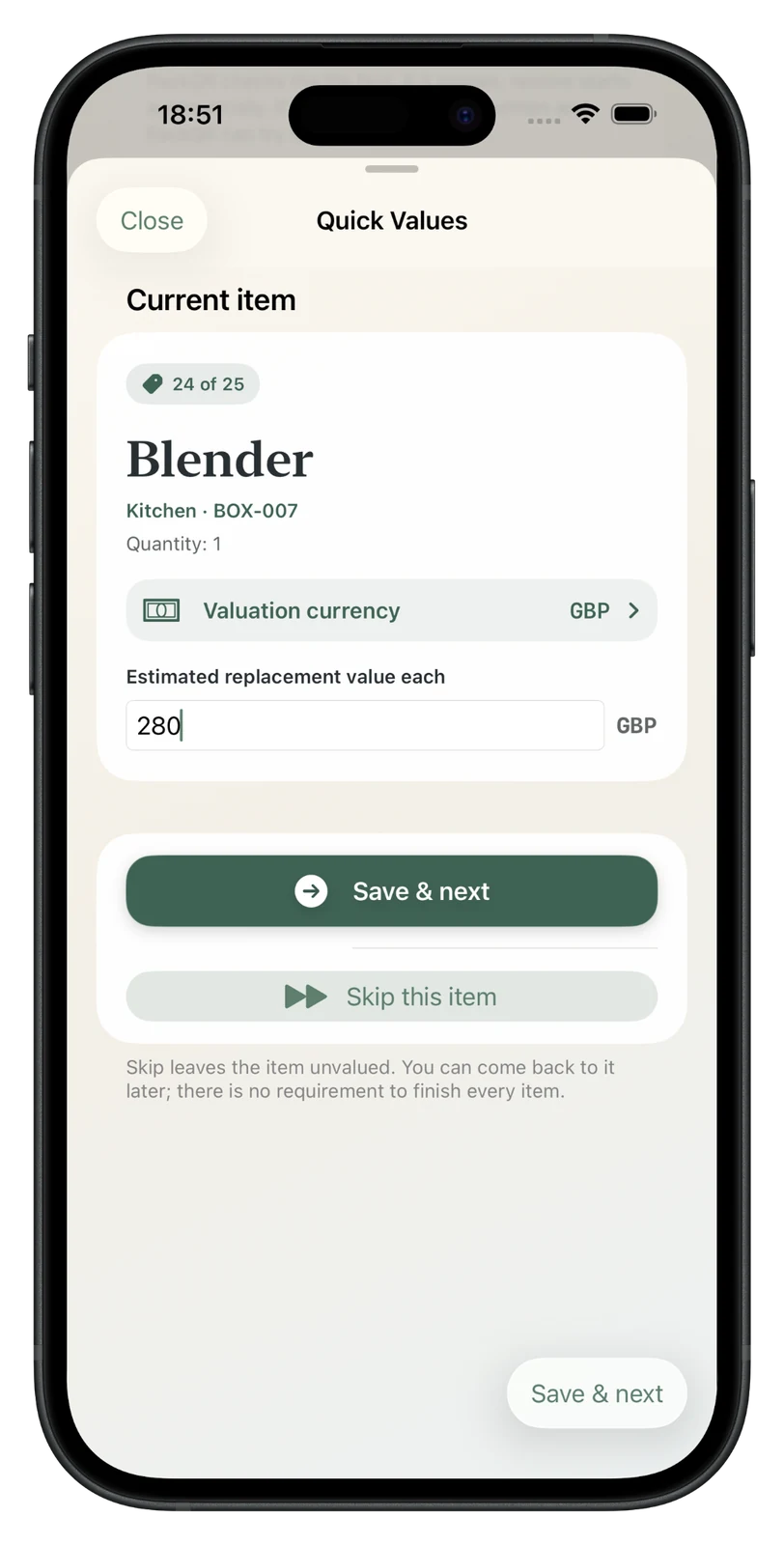
Enter the estimated replacement value for one item in the project currency, then save and move to the next item.
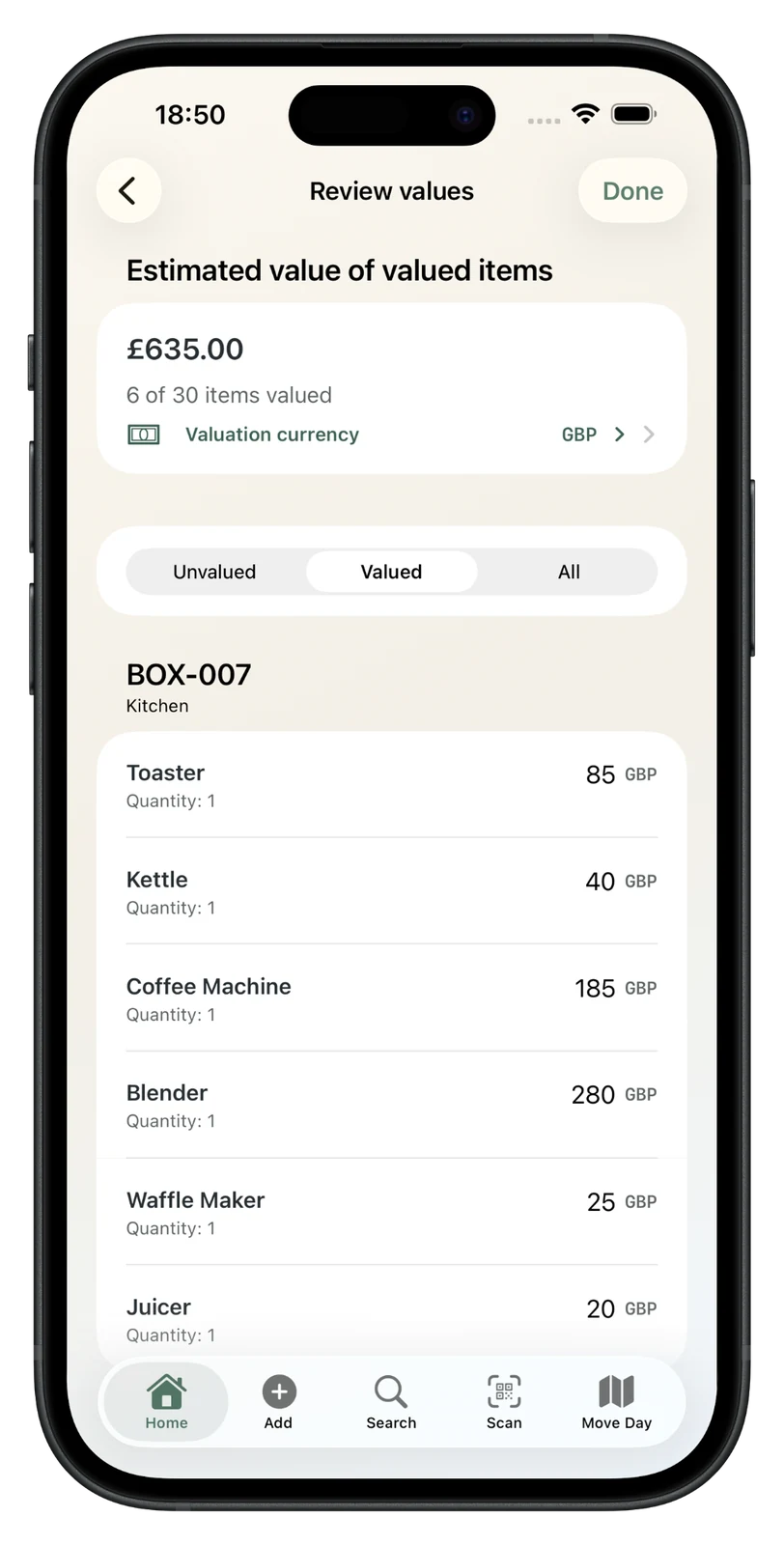
PackQR labels partial totals honestly: the screen shows the estimated value of valued items and how many items have actually been valued.
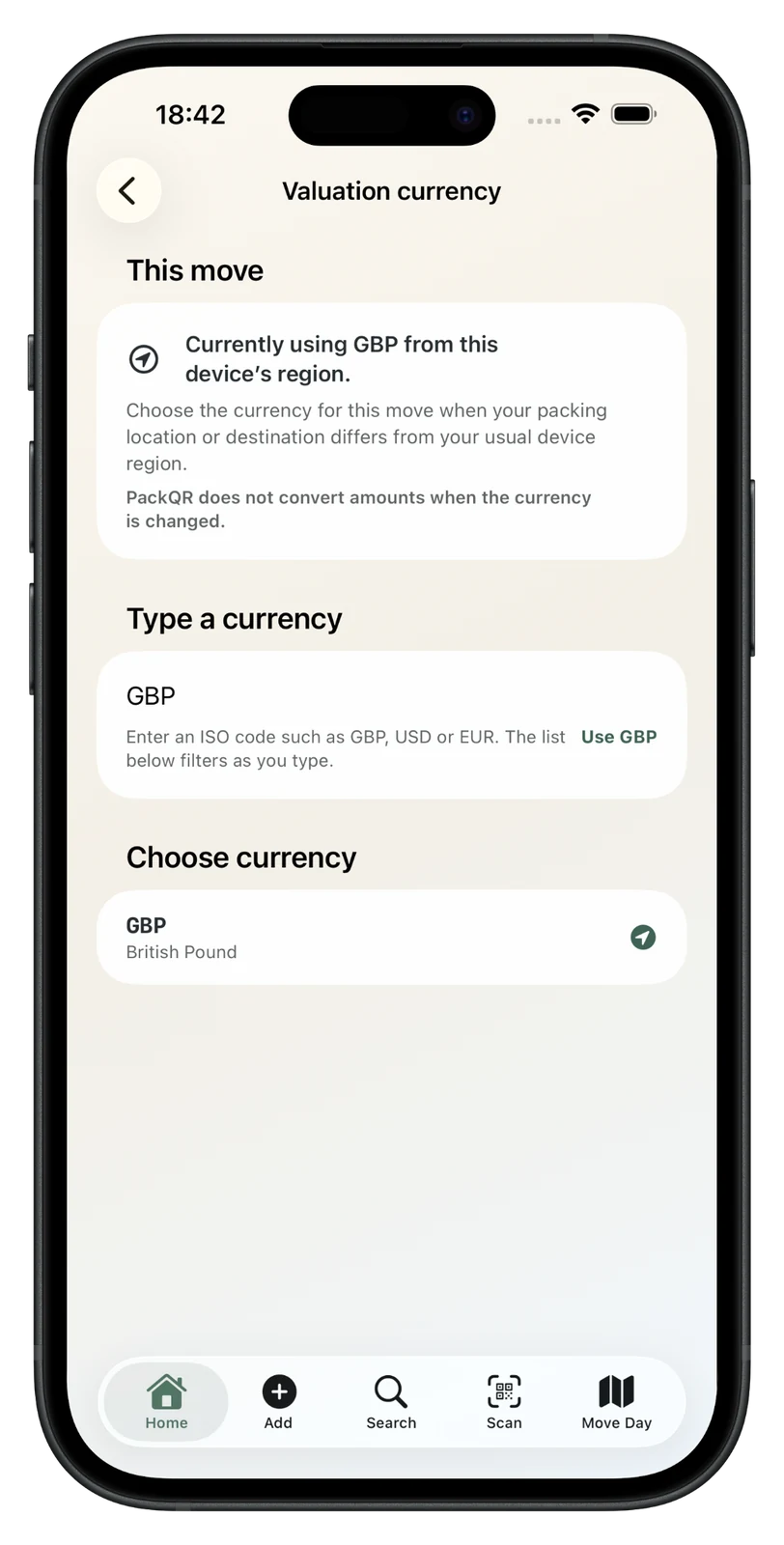
The project stores one ISO currency code. Changing the label later does not convert the amounts you already entered.
Honest calculations
PackQR totals only values you entered. When coverage is incomplete, the amount is described as the estimated value of valued items or known value and is paired with coverage such as “18 of 72 items valued”.
Contents reports
When Include estimated values is enabled, PackQR can add estimated-each and estimated-total data to PDF/CSV contents exports, including box subtotals, overall valued-item value and valuation coverage. Unvalued items stay blank rather than being shown as zero.
These figures are estimates entered by you. PackQR does not appraise possessions, determine insurance cover, submit claims or guarantee that an amount will be accepted by an insurer.
Privacy follows the box
There is no separate financial lock. When a Sensitive box is locked, its item values and subtotal are concealed with the rest of its protected contents.
Replacement-value questions
No. Version 1.8 keeps monetary input deliberate and user-entered. AI Pack Scan, voice and external pricing services do not populate values.
No. Valuation is optional. Review values can be left at any time and a report can still be created with incomplete coverage.
You enter the estimated replacement value for one unit. PackQR calculates the line total as quantity × value each.
No. PackQR stores one project currency code but does not perform foreign-exchange conversion in 1.7. If values already exist, changing the currency label requires an explicit warning and confirmation.
No. The values are your estimates for your own records or for preparing information that may be requested elsewhere. PackQR does not provide professional appraisal, policy advice or insurer approval.

Private moving inventory
Keep a private record of what is in each box, print QR labels and search or scan offline when you need something later.
£1.99 one-time purchase · No subscription · No PackQR account · App Store privacy label: Data Not Collected · Requires iOS/iPadOS 17.6+